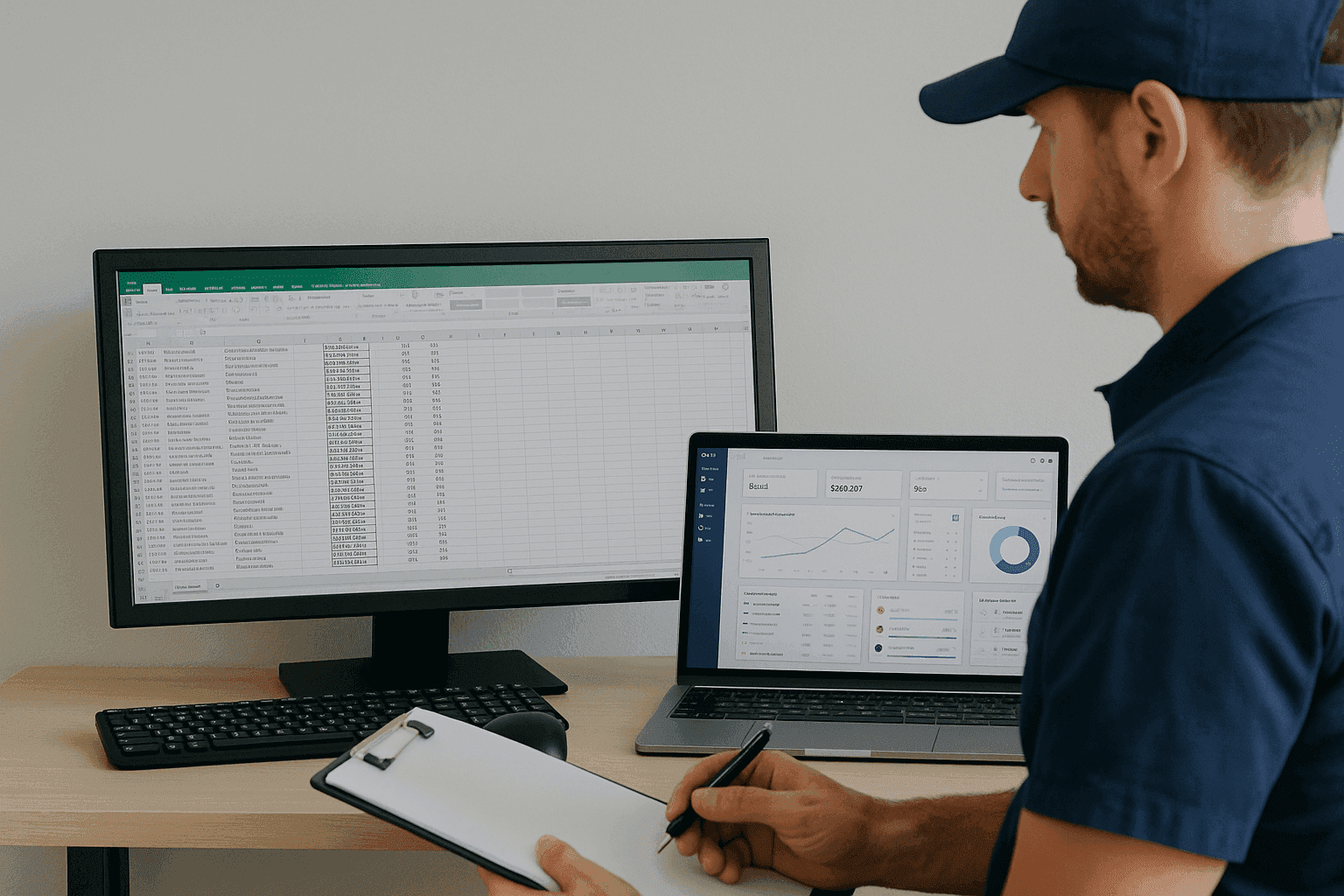
Many used car dealerships, especially independent ones, still run their business with Excel spreadsheets. Although it is a flexible and well-known tool, it has important limitations when transaction volumes grow. At Dealcar we have supported many dealerships through this step: leaving Excel behind and adopting a unified digital system such as a DMS, CRM or ERP.
This article explains, in an educational way, why it is worth taking that step, what benefits it brings and how to do it without drama.
Why is Excel no longer enough?
1. Lack of integration
Excel is not connected to other tools: stock, sales, customers, repairs or finance are in separate files. This creates errors, duplicates and a lot of manual work.
2. Risk of human error
Poorly written formulas, deleted cells, outdated versions... Excel is very prone to errors, especially when several people use it at the same time.
3. It is not scalable
When you have more than 30-50 cars, several salespeople or different sales channels, Excel falls short. It does not offer process control or automation.
4. Wasted time
Searching for data, moving information between sheets, correcting errors... All of that takes time you could be spending on selling more.
5. Lack of traceability and control
You cannot know who changed what, nor have reliable reports instantly. This makes decision-making harder.
Benefits of migrating to a unified digital system
1. All information centralised
A DMS or ERP allows you to manage stock, customers, sales, purchases, warranties, workshops and finance from a single platform.
2. Task automation
Sending quotations, updating portals, generating invoices or managing warranties can all be automated.
3. Better decision-making
With up-to-date reports and dashboards you can see what sells best, how much you make per car, or which cars have been in stock too long.
4. Better customer experience
Having customer information to hand, following up automatically and offering more professional management improves trust and sales.
5. Professionalising the business
A digital system conveys an image of order and control. This helps in relationships with customers, suppliers and financial institutions.
Comparison table: Excel vs unified system (DMS/CRM/ERP)
Feature | Excel | Unified digital system |
|---|---|---|
Data centralisation | No | Yes |
User control | Basic or none | Advanced |
Integration with portals | No | Yes |
Task automation | No | Yes |
Scalability | Limited | High |
Reports and KPIs | Manual | Automatic |
Support and updates | Not applicable | Included (depending on provider) |
Risk of errors | High | Low |
Professional image | Basic | Professional |
How to make the leap: migrate step by step
Step 1: Assess the dealership's needs
Before choosing a system, define what you need:
Only stock and sales management?
Also CRM for customer follow-up?
Do you need control of warranties, after-sales or finance?
Step 2: Choose the right tool
You can opt for:
DMS (Dealer Management System): for complete dealership management
CRM: for sales follow-up and customers
ERP: if you also manage finance, inventory and purchases
In many cases, a system like Dealcar combines DMS and CRM
Step 3: Prepare the data migration
Review your Excel sheets and clean up duplicate or incorrect data
Classify: stock, customers, sales, warranties, etc.
Some systems allow direct import from Excel
Step 4: Train the team
Hold a training session for all users
Define roles and access permissions
Create internal manuals if necessary
Step 5: Roll out progressively
Start with one module (for example, stock)
Then add sales, CRM, finance...
Review each week and adjust
Good practices for successful digitalisation
Appoint a digitalisation lead (even if there are only two of you)
Make sure everyone uses the system, not just one person
Remove Excel once migrated (or keep it only as a backup)
Use the information to make decisions: reports, alerts, KPIs
If something does not work, ask the provider for support
Common obstacles and how to overcome them
"We've always done it this way": that may be true, but it does not mean it is the best way now
Fear of change: most modern systems are easy to use
Cost: many systems have versions tailored to small dealerships
Lack of time: once implemented, you will save many hours a week
Conclusion
Digitalisation is no longer an option for dealerships that want to grow or simply survive in a competitive market. Leaving Excel behind and adopting a unified system is the most logical step towards a more efficient, organised and profitable business.
At Dealcar we help you take that step easily, with tools tailored to independent dealerships and support from day one. Digitalise your dealership, save time and grow your business.
FAQ – Frequently asked questions
Is it worth leaving Excel if I only have 20 cars in stock?
Yes. Digitalisation improves processes from the outset and avoids errors or future chaos.
How long does it take to migrate?
Depending on the system, you can be up and running in a few days if the data is organised.
Do I need technical knowledge to use a DMS or CRM?
No. Most platforms are designed for users without a technical background.
What if I'm worried about losing information?
You can keep backups of your Excel files. In addition, many systems allow you to import everything without losing data.
What if I don't like the system afterwards?
Most offer demos, free trials or no-commitment months to check whether it fits your business.
Many used car dealerships, especially independent ones, still run their business with Excel spreadsheets. Although it is a flexible and well-known tool, it has important limitations when transaction volumes grow. At Dealcar we have supported many dealerships through this step: leaving Excel behind and adopting a unified digital system such as a DMS, CRM or ERP.
This article explains, in an educational way, why it is worth taking that step, what benefits it brings and how to do it without drama.
Why is Excel no longer enough?
1. Lack of integration
Excel is not connected to other tools: stock, sales, customers, repairs or finance are in separate files. This creates errors, duplicates and a lot of manual work.
2. Risk of human error
Poorly written formulas, deleted cells, outdated versions... Excel is very prone to errors, especially when several people use it at the same time.
3. It is not scalable
When you have more than 30-50 cars, several salespeople or different sales channels, Excel falls short. It does not offer process control or automation.
4. Wasted time
Searching for data, moving information between sheets, correcting errors... All of that takes time you could be spending on selling more.
5. Lack of traceability and control
You cannot know who changed what, nor have reliable reports instantly. This makes decision-making harder.
Benefits of migrating to a unified digital system
1. All information centralised
A DMS or ERP allows you to manage stock, customers, sales, purchases, warranties, workshops and finance from a single platform.
2. Task automation
Sending quotations, updating portals, generating invoices or managing warranties can all be automated.
3. Better decision-making
With up-to-date reports and dashboards you can see what sells best, how much you make per car, or which cars have been in stock too long.
4. Better customer experience
Having customer information to hand, following up automatically and offering more professional management improves trust and sales.
5. Professionalising the business
A digital system conveys an image of order and control. This helps in relationships with customers, suppliers and financial institutions.
Comparison table: Excel vs unified system (DMS/CRM/ERP)
Feature | Excel | Unified digital system |
|---|---|---|
Data centralisation | No | Yes |
User control | Basic or none | Advanced |
Integration with portals | No | Yes |
Task automation | No | Yes |
Scalability | Limited | High |
Reports and KPIs | Manual | Automatic |
Support and updates | Not applicable | Included (depending on provider) |
Risk of errors | High | Low |
Professional image | Basic | Professional |
How to make the leap: migrate step by step
Step 1: Assess the dealership's needs
Before choosing a system, define what you need:
Only stock and sales management?
Also CRM for customer follow-up?
Do you need control of warranties, after-sales or finance?
Step 2: Choose the right tool
You can opt for:
DMS (Dealer Management System): for complete dealership management
CRM: for sales follow-up and customers
ERP: if you also manage finance, inventory and purchases
In many cases, a system like Dealcar combines DMS and CRM
Step 3: Prepare the data migration
Review your Excel sheets and clean up duplicate or incorrect data
Classify: stock, customers, sales, warranties, etc.
Some systems allow direct import from Excel
Step 4: Train the team
Hold a training session for all users
Define roles and access permissions
Create internal manuals if necessary
Step 5: Roll out progressively
Start with one module (for example, stock)
Then add sales, CRM, finance...
Review each week and adjust
Good practices for successful digitalisation
Appoint a digitalisation lead (even if there are only two of you)
Make sure everyone uses the system, not just one person
Remove Excel once migrated (or keep it only as a backup)
Use the information to make decisions: reports, alerts, KPIs
If something does not work, ask the provider for support
Common obstacles and how to overcome them
"We've always done it this way": that may be true, but it does not mean it is the best way now
Fear of change: most modern systems are easy to use
Cost: many systems have versions tailored to small dealerships
Lack of time: once implemented, you will save many hours a week
Conclusion
Digitalisation is no longer an option for dealerships that want to grow or simply survive in a competitive market. Leaving Excel behind and adopting a unified system is the most logical step towards a more efficient, organised and profitable business.
At Dealcar we help you take that step easily, with tools tailored to independent dealerships and support from day one. Digitalise your dealership, save time and grow your business.
FAQ – Frequently asked questions
Is it worth leaving Excel if I only have 20 cars in stock?
Yes. Digitalisation improves processes from the outset and avoids errors or future chaos.
How long does it take to migrate?
Depending on the system, you can be up and running in a few days if the data is organised.
Do I need technical knowledge to use a DMS or CRM?
No. Most platforms are designed for users without a technical background.
What if I'm worried about losing information?
You can keep backups of your Excel files. In addition, many systems allow you to import everything without losing data.
What if I don't like the system afterwards?
Most offer demos, free trials or no-commitment months to check whether it fits your business.