📈 Introduction
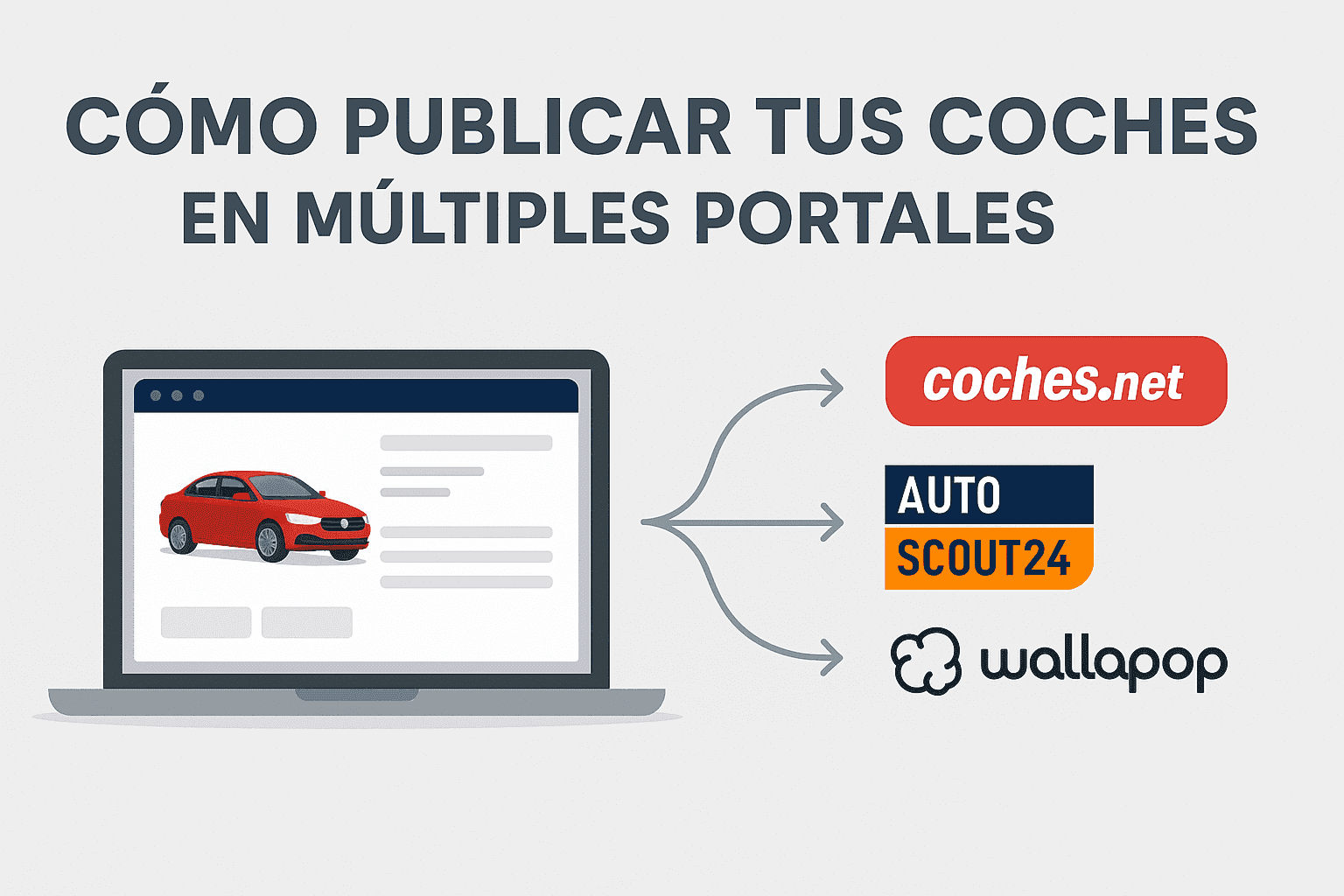
Can you imagine adding a car to your stock and having it appear automatically on coches.net, AutoScout24, Wallapop and your own website?
Visibility is key to selling used vehicles quickly, but many dealerships still publish manually on each platform. The result: wasted time, inconsistent data and poorly managed opportunities.
In this article, you’ll discover how to automate multi-posting of cars on the main portals without errors, and how Dealcar can help you do it with a single click.
🔍 Why is it important to publish on multiple portals?
Most car buyers begin their search online. Being present on several portals increases your exposure, generates more leads and reduces the average time to sale.
Key benefits:
More visibility = more opportunities.
You reach different buyer profiles.
You increase your credibility as a professional.
But… what if you manage 20 vehicles and have to upload each one to 4 different portals manually?
❌ Risks of publishing manually on each platform
Human errors: incorrect prices, duplicate descriptions or badly uploaded photos.
Time loss: uploading a car to 4 sites = 4 times the same job.
Desynchronisation: if you sell a car and forget to mark it as “sold” on a portal, you can create conflicts.
Lack of control: without centralisation, it is hard to know which channel works best.
✅ Solution: Automate multi-posting with an all-in-one tool
The key is to use a system that centralises stock management and automatically synchronises it with all relevant portals.
🔧 With Dealcar you can:
Upload your stock once.
Automatically publish on portals such as coches.net, AutoScout24, Wallapop, your own website and more.
Mark a vehicle as “sold” and have it updated across all channels at once.
See which portal each lead comes from, to measure real performance.
🛠️ How does automated multi-posting work?
1. You manage all the stock from a single dashboard
Each car has its own listing with photos, description, price, mileage, etc.
2. You choose the portals where you will publish it
With one click, you decide on which portals you want that vehicle to be published.
3. The platform takes care of replicating and keeping the data up to date
If you change the price, photos or status of the vehicle, it updates automatically everywhere.
4. You receive the leads directly in your CRM
You do not have to enter each portal: all contacts arrive centrally.
📊 Real benefits of automatic multi-posting
✔️ Saving more than 10 hours a week on repetitive tasks.
✔️ 90% reduction in publication errors.
✔️ Unification of brand image and consistency across all portals.
✔️ Improved stock control and lead tracking.
💬 Real example:
“Before, we wasted a lot of time uploading cars manually and forgot to take some down. Now with Dealcar, everything updates by itself and we know exactly which channel brings us the most contacts.”
– Used-car dealership in Valencia
🧐 Frequently asked questions (FAQ)
Can I choose which portals to publish each vehicle on?
Yes, you can select per vehicle or set up general rules.
Does multi-posting include my own website?
Yes, your website is also synchronised automatically.
Can a car be paused or removed quickly?
Yes, and it is automatically deactivated on all selected portals.
Do I need technical knowledge to set this up?
No. With Dealcar, everything is designed so that any salesperson or manager can use it without technical training.
🏁 Conclusion: publish more, work less and sell sooner
Publishing on multiple portals no longer has to be a heavy or risky task. With the right automation, you can reach more buyers, save time and avoid mistakes that damage your online reputation.
👉 Want to stop wasting time copying and pasting adverts? Find out how Dealcar can help you automate your entire publishing and stock management process. Request your free demo
📈 Introduction
Can you imagine adding a car to your stock and having it appear automatically on coches.net, AutoScout24, Wallapop and your own website?
Visibility is key to selling used vehicles quickly, but many dealerships still publish manually on each platform. The result: wasted time, inconsistent data and poorly managed opportunities.
In this article, you’ll discover how to automate multi-posting of cars on the main portals without errors, and how Dealcar can help you do it with a single click.
🔍 Why is it important to publish on multiple portals?
Most car buyers begin their search online. Being present on several portals increases your exposure, generates more leads and reduces the average time to sale.
Key benefits:
More visibility = more opportunities.
You reach different buyer profiles.
You increase your credibility as a professional.
But… what if you manage 20 vehicles and have to upload each one to 4 different portals manually?
❌ Risks of publishing manually on each platform
Human errors: incorrect prices, duplicate descriptions or badly uploaded photos.
Time loss: uploading a car to 4 sites = 4 times the same job.
Desynchronisation: if you sell a car and forget to mark it as “sold” on a portal, you can create conflicts.
Lack of control: without centralisation, it is hard to know which channel works best.
✅ Solution: Automate multi-posting with an all-in-one tool
The key is to use a system that centralises stock management and automatically synchronises it with all relevant portals.
🔧 With Dealcar you can:
Upload your stock once.
Automatically publish on portals such as coches.net, AutoScout24, Wallapop, your own website and more.
Mark a vehicle as “sold” and have it updated across all channels at once.
See which portal each lead comes from, to measure real performance.
🛠️ How does automated multi-posting work?
1. You manage all the stock from a single dashboard
Each car has its own listing with photos, description, price, mileage, etc.
2. You choose the portals where you will publish it
With one click, you decide on which portals you want that vehicle to be published.
3. The platform takes care of replicating and keeping the data up to date
If you change the price, photos or status of the vehicle, it updates automatically everywhere.
4. You receive the leads directly in your CRM
You do not have to enter each portal: all contacts arrive centrally.
📊 Real benefits of automatic multi-posting
✔️ Saving more than 10 hours a week on repetitive tasks.
✔️ 90% reduction in publication errors.
✔️ Unification of brand image and consistency across all portals.
✔️ Improved stock control and lead tracking.
💬 Real example:
“Before, we wasted a lot of time uploading cars manually and forgot to take some down. Now with Dealcar, everything updates by itself and we know exactly which channel brings us the most contacts.”
– Used-car dealership in Valencia
🧐 Frequently asked questions (FAQ)
Can I choose which portals to publish each vehicle on?
Yes, you can select per vehicle or set up general rules.
Does multi-posting include my own website?
Yes, your website is also synchronised automatically.
Can a car be paused or removed quickly?
Yes, and it is automatically deactivated on all selected portals.
Do I need technical knowledge to set this up?
No. With Dealcar, everything is designed so that any salesperson or manager can use it without technical training.
🏁 Conclusion: publish more, work less and sell sooner
Publishing on multiple portals no longer has to be a heavy or risky task. With the right automation, you can reach more buyers, save time and avoid mistakes that damage your online reputation.
👉 Want to stop wasting time copying and pasting adverts? Find out how Dealcar can help you automate your entire publishing and stock management process. Request your free demo